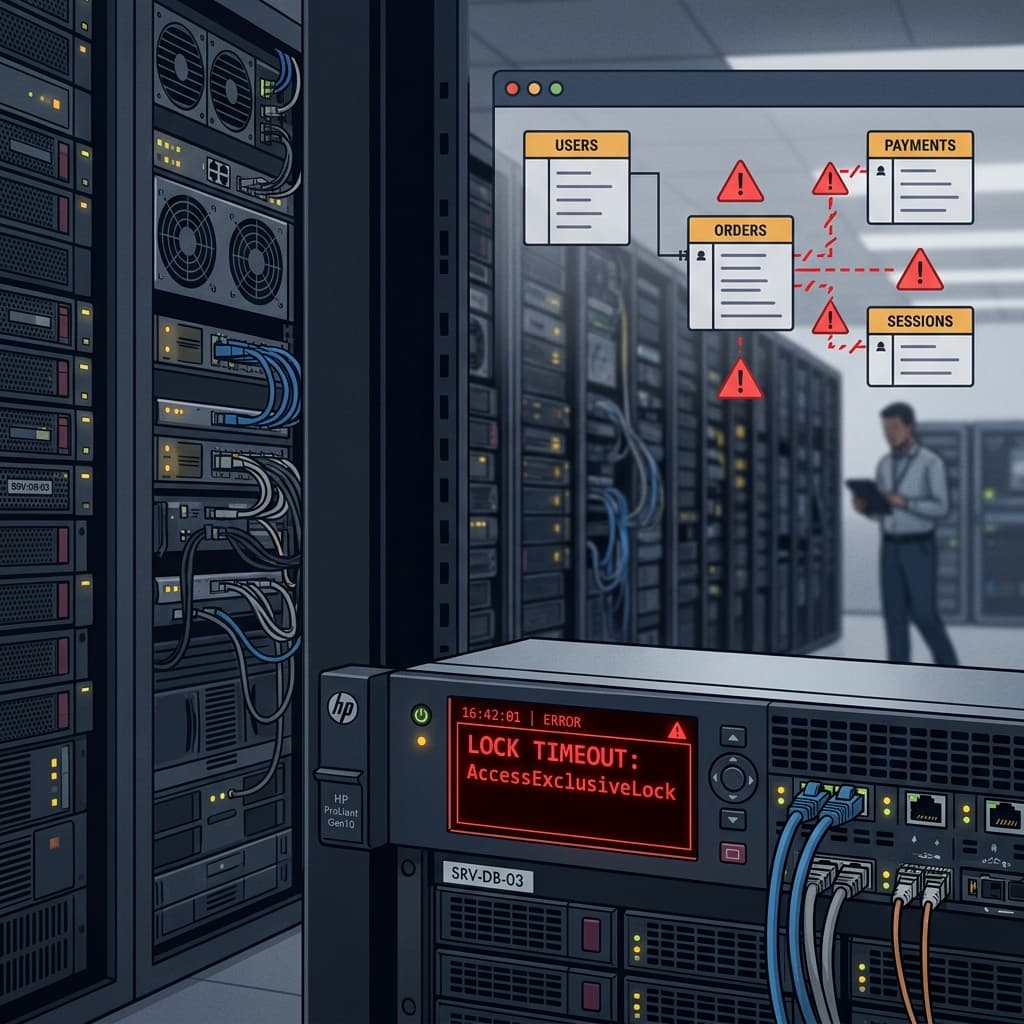
"The migration succeeded in staging, it'll take two seconds in prod." Famous last words. At 4:12 PM on a Tuesday, I approved a pull request containing a database migration generated by our automated AI coding agent. By 4:14 PM, our API gateway was returning 504 Gateway Timeouts. Our connection pool was saturated, and our 40-million-row orders table was completely locked. We were dead in the water for six hours.
I am the Tech Lead for the platform infrastructure team at a B2B transaction management startup. That afternoon, our AI agent—which we had tasked with optimizing our billing schema for a new line-item billing feature—generated what looked like a clean, standard PostgreSQL migration. The SQL was syntactically perfect. It had passed our CI linter, and it executed in exactly 12 milliseconds in our staging environment.
But staging had 20,000 rows. Production had 40 million. In the world of database engines, that difference is the line between a routine deployment and a business-threatening outage. That night, we learned that while AI is great at writing code, it is blind to operational realities. We deleted our automated migration pipeline, banned AI from our database schemas, and went back to manual SQL. Here is the post-mortem of our six-hour database lock, the database locking forensics, and the safety patterns we deployed to prevent it from ever happening again.
The 12-Millisecond Illusion and the AccessExclusiveLock
The migration was supposed to add a new status field to our orders table. The AI-generated script looked like this:
-- AI-Generated Migration
ALTER TABLE orders
ADD COLUMN status_v2 VARCHAR(50) DEFAULT 'pending' NOT NULL;
If you write SQL, you might not see the issue immediately. In staging, this ran instantly. But under the hood of PostgreSQL, adding a column with a DEFAULT value and a NOT NULL constraint historically required a full table rewrite. PostgreSQL had to write the default value to every single row on disk.
While Postgres 11+ has optimized this for constant values by storing the default value in the system catalog (pg_attribute) instead of rewriting the physical rows, our production instance (running PostgreSQL 12.11 on an AWS RDS db.r6g.4xlarge) was under heavy concurrent write load. To execute the ALTER TABLE command, Postgres had to acquire an AccessExclusiveLock on the orders table. This lock blocks everything—even read queries.
In PostgreSQL, locks are held until the end of the transaction. Here is the lock conflict matrix that the AI model failed to account for:
| Lock Mode Requested | Conflicts With | Common DDL/DML Actions |
|---|---|---|
| RowShareLock | AccessExclusiveLock | SELECT FOR UPDATE, SELECT FOR SHARE |
| RowExclusiveLock | ShareLock, AccessExclusiveLock, etc. | INSERT, UPDATE, DELETE |
| AccessShareLock | AccessExclusiveLock | SELECT (standard reads) |
| AccessExclusiveLock | ALL lock modes | ALTER TABLE, DROP TABLE, VACUUM FULL |
Because the AI-generated script executed a raw DDL statement directly, the database server attempted to obtain an AccessExclusiveLock. On staging, with zero active transactions, the lock was acquired instantly, the 20,000 rows were modified in milliseconds, and the lock was released. On production, the migration query hit the database and had to wait for active transactions to complete before it could acquire the lock. While it waited in the lock queue, it blocked every incoming query to the orders table. Within 90 seconds, our connection pool saturated, our web servers ran out of workers, and the site crashed.
Database Forensics: Reconstructing the Queue Block
When the site went down, our monitoring dashboards lit up in red. We had no idea what was locking the table because our connection pool was so saturated that we couldn't even log into the database via our standard metrics tools. I had to shell into our bastion host and run a manual query to inspect the active pg lock queue:
-- Investigating active locks in PostgreSQL
SELECT
    blocked_locks.pid     AS blocked_pid,
    blocked_activity.usename  AS blocked_user,
    blocking_locks.pid    AS blocking_pid,
    blocking_activity.usename AS blocking_user,
    blocked_activity.query    AS blocked_statement,
    blocking_activity.query   AS blocking_statement
FROM  pg_catalog.pg_locks         blocked_locks
JOIN pg_catalog.pg_stat_activity blocked_activity ON blocked_activity.pid = blocked_locks.pid
JOIN pg_catalog.pg_locks         blocking_locks
    ON blocking_locks.locktype = blocked_locks.locktype
    AND blocking_locks.database IS NOT DISTINCT FROM blocked_locks.database
    AND blocking_locks.relation IS NOT DISTINCT FROM blocked_locks.relation
    AND blocking_locks.page IS NOT DISTINCT FROM blocked_locks.page
    AND blocking_locks.tuple IS NOT DISTINCT FROM blocked_locks.tuple
    AND blocking_locks.virtualxid IS NOT DISTINCT FROM blocked_locks.virtualxid
    AND blocking_locks.transactionid IS NOT DISTINCT FROM blocked_locks.transactionid
    AND blocking_locks.classid IS NOT DISTINCT FROM blocked_locks.classid
    AND blocking_locks.objid IS NOT DISTINCT FROM blocked_locks.objid
    AND blocking_locks.objsubid IS NOT DISTINCT FROM blocked_locks.objsubid
    AND blocking_locks.pid != blocked_locks.pid
JOIN pg_catalog.pg_stat_activity blocking_activity ON blocking_activity.pid = blocking_locks.pid
WHERE NOT blocked_locks.granted;
The output was horrifying. The blocking PID was the ALTER TABLE script. It was waiting for a long-running select query (an analytical report that our customer success team had initiated earlier that hour). Because the ALTER TABLE was waiting in the queue, all other queries—including simple SELECT queries for single order records—were queued up behind it. Our connection pool limits (150 connections) were exhausted instantly. Postgres was working exactly as designed, but the design was fatal to our availability.
The Nightmare of Schema Drift
This outage exposed a deeper, structural failure: we had let AI bypass our deterministic version-control patterns. To move fast, we had allowed our AI agents to suggest database schema changes to developers, who would then accept the PRs without checking the migration history.
This led to what we call **automated schema drift**:
- Ad-hoc Indexing: The AI tool noticed a slow query in development and added an index directly to the staging database to pass its performance checks. It never checked in the index code to our repository.
- Divergent Environments: Because staging had indexes that production lacked, the AI-generated query plans worked perfectly in staging but fell back to catastrophic sequential scans in production.
- Silent Corruption: The model generated a migration that dropped a column it assumed was unused, not realizing that a legacy batch service (which ran only once a week) still queried that column. The migration succeeded, but the batch job crashed four days later, corrupting our financial reports.
AI tools treat database schemas like code. If code has a bug, you deploy a hotfix. If a database migration has a bug, you corrupt state. You lose transactions. You spend 18 hours writing raw SQL queries to reconstruct billing states from Stripe webhook logs. You cannot hotfix a corrupted database.
How We Rebuilt: The Deterministic Pipeline
After we recovered our database and cleared the lock queue, we rebuilt our schema pipeline from scratch. We replaced AI-driven code generation with a strict, deterministic workflow:
1. The Zero-Lock Column Pattern
We banned the creation of columns with default values in a single step. All schema changes must follow a multi-step, backwards-compatible pattern:
- Add the column as nullable with no default value (this acquires a fast lock and does not rewrite the table).
- Deploy the application code that writes to both the old and new fields.
- Run a throttled background script to backfill the default value into existing rows in small batches (e.g., 500 rows at a time, sleeping 100ms between batches to prevent replication lag).
- Add the
NOT NULLconstraint once all rows are populated.
The code for the backfill script we wrote looks like this:
-- Throttled Postgres backfill template
CREATE OR REPLACE FUNCTION backfill_status_v2() RETURNS void AS $$
DECLARE
    rows_updated integer;
BEGIN
    LOOP
        -- Update in small chunks to avoid database locks
        UPDATE orders
        SET status_v2 = 'pending'
        WHERE id IN (
            SELECT id FROM orders
            WHERE status_v2 IS NULL
            LIMIT 500
        );

        GET DIAGNOSTICS rows_updated = ROW_COUNT;
        EXIT WHEN rows_updated = 0;

        -- Sleep to allow other transactions to get locks
        PERFORM pg_sleep(0.1);
    END LOOP;
END;
$$ LANGUAGE plpgsql;

SELECT backfill_status_v2();
2. Automatic Lock-Timeout Enforcements
We modified our migration runner to enforce a strict lock timeout. If a migration cannot acquire the necessary lock within 2 seconds, it aborts immediately rather than queueing and blocking traffic. This is set globally at the start of our migrations:
-- Enforced in our migration runner
SET lock_timeout = '2000';
ALTER TABLE orders ADD COLUMN status_v2 VARCHAR(50);
3. Static Analysis and Schema Diffing
We integrated a linter (using Squawk) into our CI pipeline. If a developer attempts to check in a migration containing unsafe operations—like dropping a column, renaming a table, or adding a constraint without validation—the CI run fails immediately. The AI tool cannot push code to production if the static analysis flags it.
The Operational Cost
The 6-hour database lock cost us approximately $120,000 in lost transactions and client SLAs. It also pushed our DORA metrics into the warning zone, dropping our deployment frequency for a month while the team focused on database forensics.
AI is a reasoning engine; it is not an operator. It does not understand transaction volumes, database buffer pools, replica lag, or the cost of an exclusive lock on a table under heavy write traffic. It writes code, but it doesn't run the service.
Conclusion
State is hard. Code is stateless, but the database is where the reality of your application lives. When you hand database schemas over to probabilistic models, you are gambling with your company's core asset.
We stopped letting AI write our SQL. We write our migrations by hand, we review them with two senior infrastructure engineers, and we validate them against production-sized schema snapshots. It is slower, it is boring, and it is safe. Your database should be the most boring part of your business.
Written by XQA Team
Our team of experts delivers insights on technology, business, and design. We are dedicated to helping you build better products and scale your business.