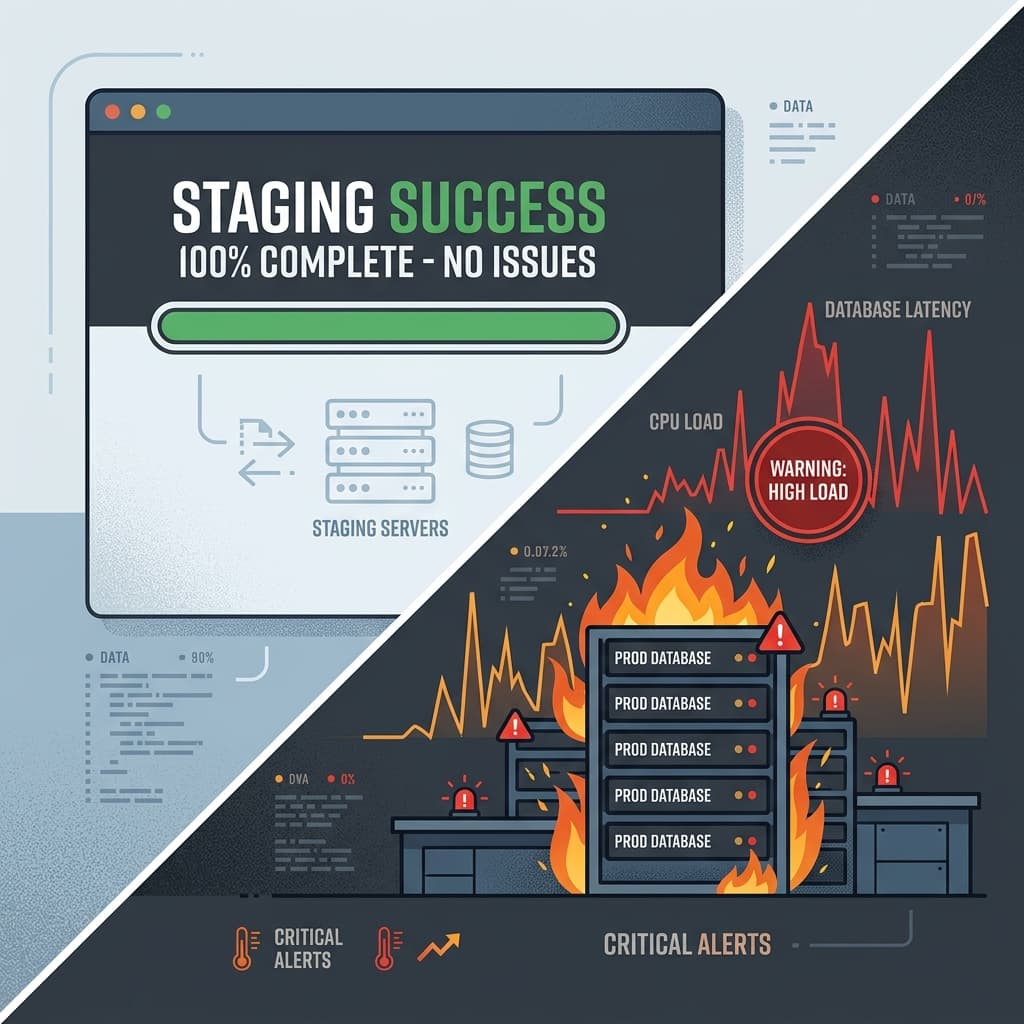
Staging is a comfortable lie. We configure staging to mimic production, but it lacks the two variables that define production: **concurrency** and **data scale**. A database migration script that takes 12 milliseconds in staging can easily take hours and freeze your entire application when executed in production under real-world traffic.
When we integrated AI tools into our development loop, we noticed they generated SQL that ran flawlessly in local Docker containers and staging environments. But when those same scripts hit our production cluster—a 50-million-row database handling 2,000 concurrent transactions per second—they caused cascading failures. The reason is simple: LLMs understand SQL syntax, but they are operationally blind to the mechanics of concurrency and database locking.
Here is why AI-generated database migrations are a ticking time bomb, and why scale changes the rules of database engineering.
Staging vs. Production: The Gap in Reality
Most staging environments are scaled-down sandboxes. They run on small instances, contain synthetic datasets, and serve zero concurrent load. Here is the operational comparison of what our migration script faced on staging versus production:
| Metric / Resource | Staging Environment | Production Environment | Why It Matters for DDL |
|---|---|---|---|
| Row Count (Main Table) | 20,000 rows | 50,000,000 rows | DDL operations that trigger table rewrites scale linearly with row count. |
| Active Transactions/Sec | 0 transactions | 2,000 transactions | Write queries create locks that conflict with DDL metadata locks. |
| Disk IOPS Limit | 3,000 IOPS (gp3) | 16,000 IOPS (io2) | Table rewrites exhaust disk IO bandwidth, starving standard queries. |
| Max Connection Pool | 5 connections | 250 connections | Lock queue blocks queries, exhausting pool slots in seconds. |
The Textbook SQL Blind Spot
Large Language Models are trained on public code repositories, tutorials, and documentation. They excel at writing "standard" SQL. But standard textbook SQL is often dangerous at scale.
Consider index creation. If an AI agent detects a slow query in your application, it will suggest adding an index to optimize it:
-- AI-Suggested Index Creation
CREATE INDEX idx_orders_customer_id ON orders(customer_id);
This is standard SQL. It works on staging in a fraction of a second. But in production, running this command on PostgreSQL will acquire a ShareLock on the orders table, **blocking all write operations (inserts, updates, deletes) until the index build is complete**. If your table has 50 million rows, that build could take 20 minutes, during which your application is locked and throwing errors.
A human database engineer knows to use the CONCURRENTLY keyword to build the index in the background without locking writes:
-- Safe production-grade index creation
CREATE INDEX CONCURRENTLY idx_orders_customer_id ON orders(customer_id);
An LLM doesn't write this by default because CONCURRENTLY is a database-specific option (PostgreSQL-specific) and cannot be run inside a transaction block. Since most ORM migration tools wrap migrations in transactions, the LLM takes the path of least resistance and writes the textbook, blocking version.
The Queue Block Catastrophe and AccessShareLock Starvation
The second operational blind spot is the lock queue. When an AI-generated migration requests an exclusive lock to alter a column, it doesn't think about what queries are currently running.
In a busy production database, you have long-running analytical queries or active transactions. When a migration query (like ALTER TABLE) is executed, it goes into a queue waiting for those active queries to release their locks. While the migration waits in the queue, it blocks **all subsequent queries** that attempt to access that table—even simple reads. This is called AccessShareLock starvation.
A single ALTER TABLE waiting for a 10-minute analytical query will block all SELECT queries behind it, effectively shutting down the application. The AI model has no concept of this queue behavior; it assumes that if a query is syntactically valid, it executes in isolation.
Why We Must Build Safely: Deterministic Schema Validation
Because database state is persistent, a bad migration cannot be easily rolled back if it corrupts data or causes a lock. If you want to use automated tools safely, you must wrap them in deterministic constraints:
1. Non-Blocking Foreign Keys (NOT VALID Pattern)
Adding a foreign key constraint to a large table acquires an AccessExclusiveLock while checking every row. For millions of rows, this triggers downtime. The safe, production-grade method is to split it into two steps:
-- Step 1: Add constraint as NOT VALID (immediate lock acquisition and release)
ALTER TABLE orders
ADD CONSTRAINT fk_orders_users FOREIGN KEY (user_id) REFERENCES users(id) NOT VALID;

-- Step 2: Validate the constraint concurrently (no write locking)
ALTER TABLE orders VALIDATE CONSTRAINT fk_orders_users;
The AI tool will write a single ADD CONSTRAINT because it is the standard ANSI SQL standard, unaware of the write blocking impact.
2. Strict Timeouts and Fail-Safes
- Strict Timeouts: Never let a migration run without setting a
lock_timeoutandstatement_timeout. If the migration cannot get its lock in 2 seconds, it should abort and let traffic resume. - Constraint Validation Segregation: Add constraints as
NOT VALIDfirst, then validate them later in a separate, non-blocking background job. - Schema Replication Testing: Test migrations against a production-sized schema snapshot under simulated traffic before running them on the live database.
Conclusion
Syntax is cheap. Performance and concurrency are expensive. The database is the single most critical asset in your engineering stack, and it cannot be managed with probabilistic prompts.
Stop trusting AI-generated SQL scripts. Treat them as drafts. Review every statement with a database administrator, test them against real-world data volume, and ensure your deployment pipelines enforce lock safety. Your production database will thank you.
Written by XQA Team
Our team of experts delivers insights on technology, business, and design. We are dedicated to helping you build better products and scale your business.