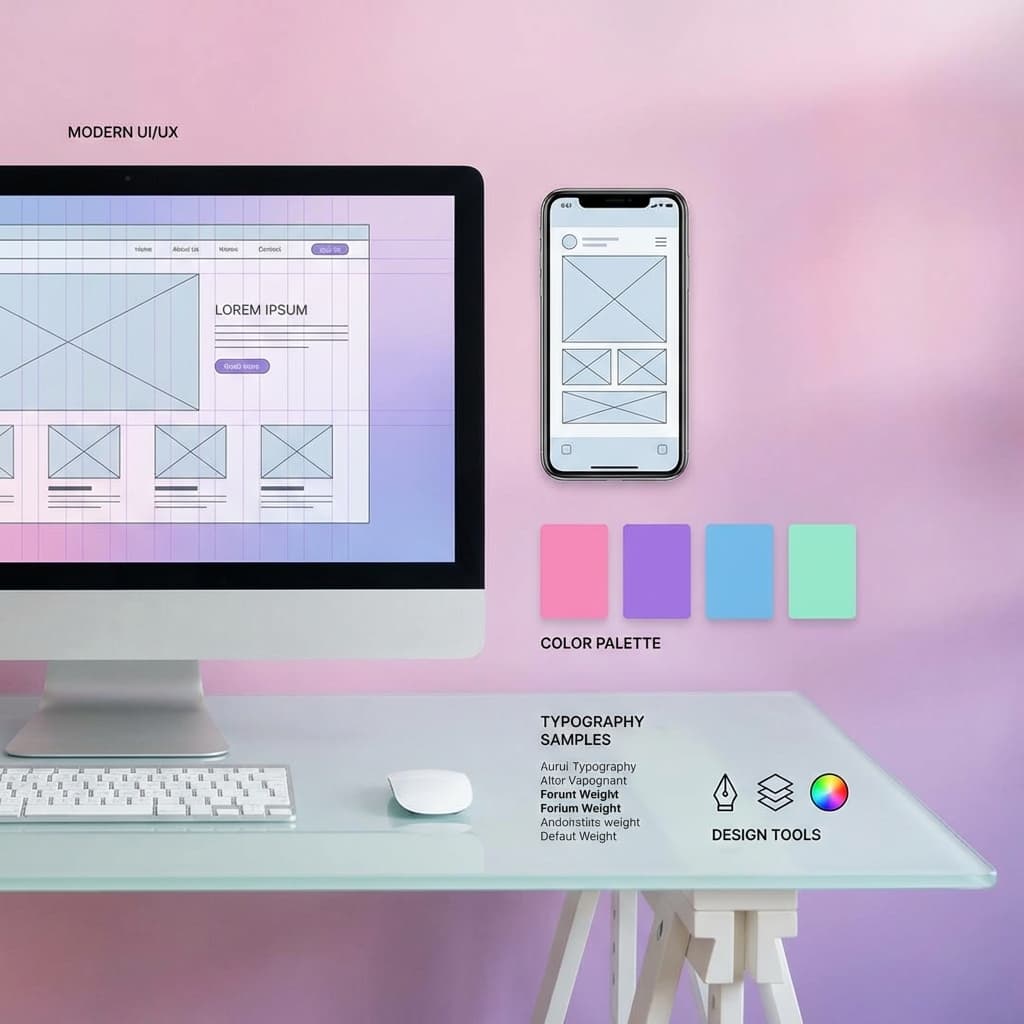
Design as Competitive Advantage
I have been designing web applications for 15 years. The tools have evolved from Photoshop to Figma, the stack from Flash to React, and user expectations have skyrocketed. Yet the core principles of great design remain remarkably consistent. What changes is how we apply them.
In this guide, I will share the design principles that separate forgettable applications from delightful, engaging experiences.
The Foundation: User-Centered Design
Start with the User
Every design decision should answer: how does this serve the user?
- Understand user goals and pain points
- Design for real use cases, not edge cases
- Test with actual users, not assumptions
- Prioritize user needs over stakeholder preferences
The Jobs-to-be-Done Framework
Users hire products to accomplish jobs:
- What job is the user trying to do?
- What is the context of use?
- What success looks like for the user?
- Design to help users complete jobs efficiently
Visual Hierarchy
Guiding the Eye
Users scan, they do not read. Visual hierarchy directs attention:
- Size: Larger elements draw attention first.
- Color: Contrast highlights important elements.
- Position: Top-left (LTR languages) gets noticed first.
- Spacing: Whitespace creates focus and separation.
- Typography: Weight and style differentiate importance.
The F-Pattern and Z-Pattern
Users typically scan pages in predictable patterns:
- F-Pattern: Two horizontal swipes across the top, then a vertical scan down the left.
- Z-Pattern: Top-left → top-right → bottom-left → bottom-right.
- Place key information along these patterns
Typography
The Foundation of Readability
- Font choice: Choose readable fonts (Inter, Roboto, SF Pro for UI).
- Size: Body text minimum 16px; headings proportionally larger.
- Line height: 1.5-1.8x for body text; tighter for headings.
- Line length: 50-75 characters per line optimal for reading.
- Contrast: Ensure sufficient color contrast (WCAG AA minimum).
Type Scale
Establish a consistent type scale:
/* Example type scale */
--text-xs: 0.75rem;   /* 12px */
--text-sm: 0.875rem;  /* 14px */
--text-base: 1rem;    /* 16px */
--text-lg: 1.125rem;  /* 18px */
--text-xl: 1.25rem;   /* 20px */
--text-2xl: 1.5rem;   /* 24px */
--text-3xl: 1.875rem; /* 30px */
--text-4xl: 2.25rem;  /* 36px */
Color Theory
Building a Color System
- Primary: Brand color for key actions and emphasis.
- Secondary: Complementary or supporting color.
- Neutral: Grays for text, borders, backgrounds.
- Semantic: Success (green), warning (yellow), error (red), info (blue).
Color Psychology
- Blue: Trust, stability, professionalism.
- Green: Growth, health, success.
- Red: Urgency, passion, danger.
- Yellow: Optimism, attention, caution.
- Purple: Luxury, creativity, mystery.
- Black: Sophistication, power, elegance.
Accessibility
Color must work for everyone:
- Minimum 4.5:1 contrast ratio for text (WCAG AA)
- Do not rely on color alone to convey information
- Test with color blindness simulators
Layout and Spacing
The Grid
Grids create consistency and alignment:
- 12-column grids are standard for flexibility
- Define column widths and gutter spacing
- Use CSS Grid or Flexbox for implementation
Spacing System
Consistent spacing creates visual rhythm:
/* 8px base spacing system */
--space-1: 0.25rem;  /* 4px */
--space-2: 0.5rem;   /* 8px */
--space-3: 0.75rem;  /* 12px */
--space-4: 1rem;     /* 16px */
--space-6: 1.5rem;   /* 24px */
--space-8: 2rem;     /* 32px */
--space-12: 3rem;    /* 48px */
--space-16: 4rem;    /* 64px */
Responsive Design
Design for all screen sizes:
- Mobile-first approach
- Breakpoints based on content, not devices
- Fluid typography and spacing
- Touch targets minimum 44x44px on mobile
Micro-Interactions
Why They Matter
Micro-interactions provide feedback and delight:
- Confirm user actions (button states)
- Indicate system status (loading, progress)
- Guide user attention (animations)
- Create emotional connection (fun details)
Best Practices
- Keep animations short: 150-300ms typical
- Use easing functions for natural motion
- Ensure animations serve a purpose
- Provide reduced-motion alternatives
Accessibility (A11y)
Inclusive Design Is Good Design
Accessible design benefits everyone:
- Curb cuts designed for wheelchairs help everyone
- Captions help in loud environments
- High contrast helps in bright sunlight
Core Requirements
- Keyboard navigation: All functionality usable without a mouse.
- Screen reader support: Semantic HTML, ARIA labels where needed.
- Color contrast: Sufficient contrast for text and UI elements.
- Focus indicators: Visible focus states for keyboard users.
- Alt text: Descriptive text for images.
Design Systems
Why Design Systems
Design systems ensure consistency and efficiency:
- Consistent user experience across products
- Faster design and development
- Single source of truth
- Easier maintenance and updates
Components of a Design System
- Foundations: Color, typography, spacing, icons.
- Components: Buttons, inputs, cards, modals.
- Patterns: Forms, navigation, data display.
- Guidelines: Usage rules, voice and tone.
Frequently Asked Questions
Q: How do I choose colors for my application?
A: Start with your brand color. Build a palette using tools like Coolors or Adobe Color. Ensure contrast requirements are met. Test with users.
Q: Mobile-first or desktop-first?
A: Mobile-first for most applications. It forces prioritization and ensures mobile experience is not an afterthought.
Q: How much animation is too much?
A: If it distracts from the task or slows users down, it is too much. Animation should serve function, not just decoration.
Key Takeaways
- Start with user needs and design to serve them.
- Visual hierarchy guides users through content.
- Typography and spacing are the foundation of readability.
- Build a color system with accessibility in mind.
- Micro-interactions provide feedback and delight.
- Accessibility is required, not optional.
- Design systems enable consistency at scale.
Conclusion
Great web design is invisible. Users do not notice good design because it simply works—it helps them accomplish their goals without friction. Focus on the fundamentals, test with real users, and iterate continuously. The best designs are never finished, only improved.
Resources
Written by XQA Team
Our team of experts delivers insights on technology, business, and design. We are dedicated to helping you build better products and scale your business.