The State of Mobile Testing
Mobile apps account for the majority of digital time. With over 3.5 million apps on Google Play and 1.6 million on App Store, quality is the differentiator. After leading mobile QA teams for a decade, I have seen what separates successful mobile testing programs from struggling ones.
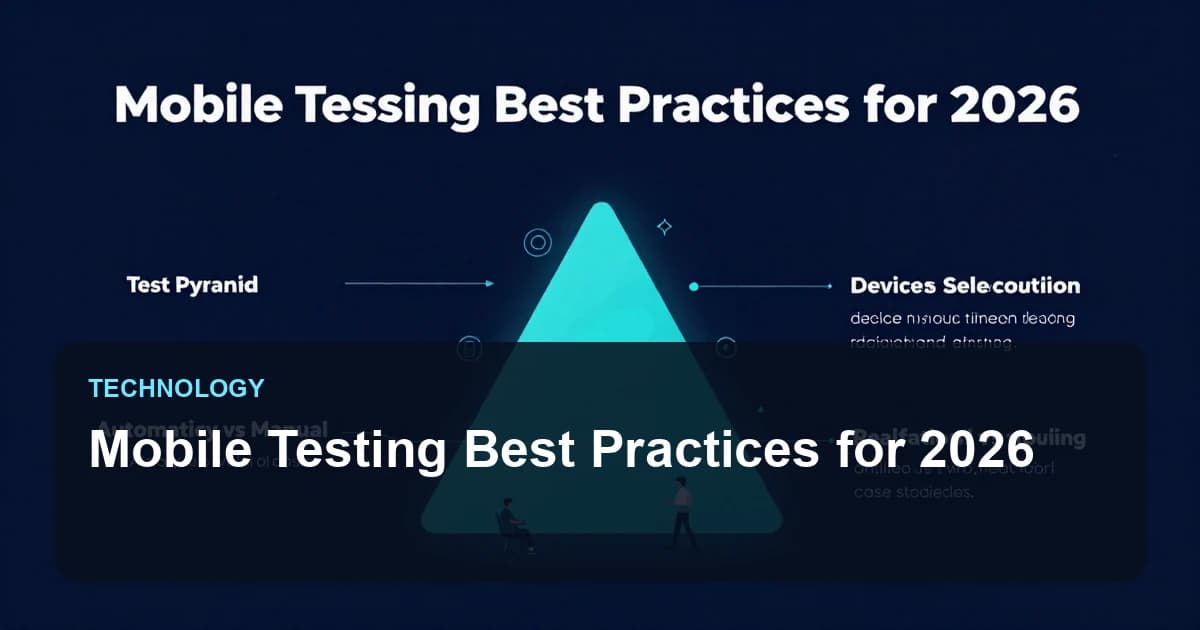
The Mobile Testing Pyramid
Layer 1: Unit Tests (70%)
- Test individual components in isolation
- Fast execution (milliseconds)
- Run on every commit
- Mock external dependencies
Layer 2: Integration Tests (20%)
- Test component interactions
- API contract testing
- Database interactions
- Run on feature branches
Layer 3: E2E/UI Tests (10%)
- Full user journey testing
- Real device testing with Appium
- Critical path coverage
- Run before releases
Device Selection Strategy
Coverage Matrix
| Platform | Version Coverage | Device Types |
|---|---|---|
| iOS | Latest 3 versions (15, 16, 17) | iPhone SE, iPhone 14, iPhone 15 Pro Max |
| Android | API 29+ (Android 10+) | Samsung, Pixel, OnePlus, Xiaomi |
Device Lab vs Cloud Testing
In-house Lab Pros:
- No usage limits
- Lower long-term cost
- Full device control
- Better for hardware-specific testing
Cloud Testing Pros:
- Wide device coverage
- No maintenance overhead
- Easier scaling
- Real devices from actual regions
Automation Strategy
What to Automate
- Smoke tests (critical paths)
- Regression tests (stable features)
- Data-driven scenarios
- Cross-device compatibility
What to Keep Manual
- Exploratory testing
- Visual/UX assessment
- New feature testing
- Accessibility evaluation
- Edge cases and error handling
Key Testing Areas
1. Functional Testing
- Feature completeness
- User workflows
- Business logic validation
- Data integrity
2. Performance Testing
- App launch time (< 2 seconds)
- Screen transition speed
- Memory consumption
- Battery usage
- Network efficiency
3. Security Testing
- Data encryption at rest and in transit
- Authentication mechanisms
- Certificate pinning
- Local storage security
- OWASP Mobile Top 10 compliance
4. Usability Testing
- Touch target sizes (minimum 44x44 points)
- Gesture intuitiveness
- Error message clarity
- Loading state feedback
5. Compatibility Testing
- OS version compatibility
- Screen size/resolution
- Device-specific features
- Third-party app interactions
Handling Real-World Conditions
Network Conditions
// Appium network conditioning
await driver.setNetworkConditions({
  offline: false,
  latency: 300, // ms
  download_throughput: 50 * 1024, // bytes/s
  upload_throughput: 20 * 1024
});
Interruption Testing
- Incoming calls during critical operations
- Push notifications
- App backgrounding/foregrounding
- Low battery warnings
- Memory pressure events
Offline Mode
- Graceful degradation
- Data synchronization on reconnect
- Conflict resolution
- Queue management for pending operations
CI/CD Integration
Testing in Pipeline
stages:
  - build
  - unit-test
  - integration-test
  - deploy-to-staging
  - e2e-test
  - deploy-to-production

e2e-test:
  stage: e2e-test
  script:
    - npm run appium-tests
  parallel:
    matrix:
      - DEVICE: [iPhone_15, Pixel_7, Galaxy_S23]
  only:
    - main
    - release/*
Test Reporting
Essential Metrics
- Test pass/fail rate
- Test execution time
- Flaky test percentage
- Code coverage
- Defect detection rate
Reporting Tools
- Allure for beautiful reports
- TestRail for test management
- Grafana for trend visualization
- Slack integration for notifications
Common Pitfalls to Avoid
- Testing only on latest devices: Users have older hardware.
- Ignoring network conditions: Real-world connectivity varies.
- Over-relying on automation: Manual testing catches UX issues.
- Skipping accessibility: Required by law in many markets.
- Testing only happy paths: Error handling matters.
Key Takeaways
- Follow the testing pyramid for balanced coverage
- Select devices based on your user analytics
- Automate strategically, not everything
- Test real-world conditions (network, interruptions)
- Integrate testing into CI/CD pipeline
- Track metrics to improve over time
Resources
Tags:TechnologyTutorialGuide
X
Written by XQA Team
Our team of experts delivers insights on technology, business, and design. We are dedicated to helping you build better products and scale your business.
•