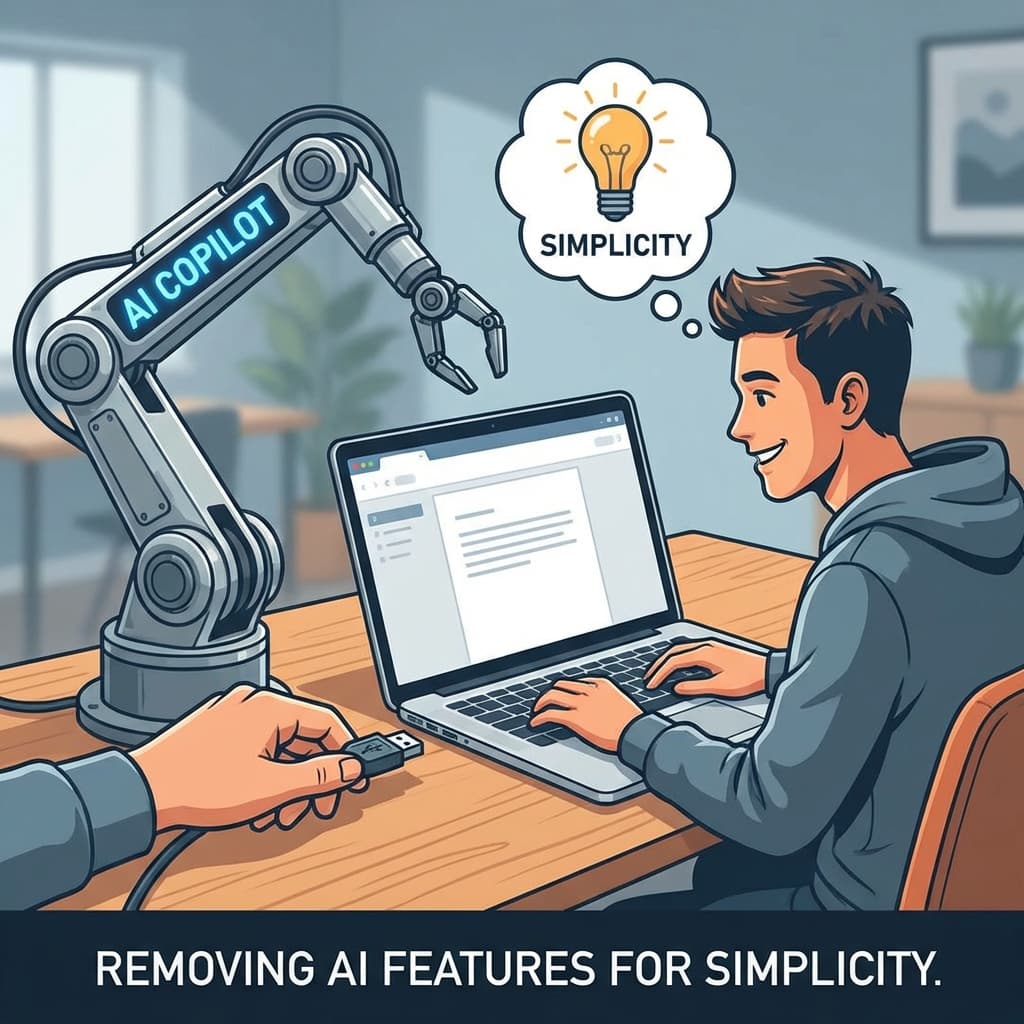
We spent 6 months building an AI copilot for our product. The pitch was irresistible: "Let AI write the first draft, humans edit." We launched with fanfare. Blog posts. Product Hunt. The works.
The feature had a 94% abandonment rate.
Not 94% who didn't try it. 94% who started using it and then stopped. They clicked the button once, saw the output, and never clicked it again.
Our exit surveys told the story:
"It's faster to just do it myself than to fix what the AI wrote."
"I spent 10 minutes editing a 2-minute task."
"I don't trust it, so I check everything anyway. What's the point?"
We ripped out the feature. Completely. Deleted the code. Removed it from the UI.
NPS went up. Support tickets went down. Users thanked us for "simplifying" the product.
Here's what the "AI in every product" crowd doesn't want you to know.
Section 1: The "AI Feature Tax" Problem
Every feature has a cost. Not just the engineering cost to build it, but the cognitive cost for users to understand it.
AI features have an unusually high cognitive cost. They introduce complexity that most users are not prepared for.
The Learning Curve:
When you add an AI copilot, users must learn:
- When to use it (which tasks benefit from AI?)
- How to prompt it (what input produces good output?)
- How to edit its output (where are the errors likely to be?)
- When to abandon it (at what point is manual faster?)
This is a substantial cognitive load. For a feature that promises to "save time," it often creates more friction than it removes.
The Overhead Paradox:
Consider a task that takes 5 minutes manually.
With an AI copilot, the breakdown might be:
- 30 seconds to invoke the AI
- 10 seconds to wait for generation
- 3 minutes to review the output for errors
- 2 minutes to fix the errors
Total: 5 minutes and 40 seconds. The AI feature made the task slower.
But it gets worse. The 3 minutes of "review" is cognitively exhausting. You are reading AI-generated text with suspicion, hunting for mistakes. This is more draining than simply writing the content yourself.
The Blame Transfer:
When AI makes a mistake, users blame your product.
"Your AI is stupid" becomes "Your product is broken" in the user's mind. They don't separate the AI feature from the core product. The AI's failures contaminate the entire brand perception.
We saw this in our NPS comments. Before the AI feature, complaints were about specific bugs. After the AI feature, complaints became existential: "This product doesn't work."
Section 2: When AI Copilots Actually Work (Rare Cases)
I'm not saying AI copilots are universally bad. There are contexts where they genuinely help. But those contexts are narrower than the industry admits.
High-Stakes, Low-Volume Tasks:
AI copilots work when the time saved per task is massive and the volume is low.
Example: A lawyer drafting a contract. The task might take 2 hours manually. If AI provides a 70% complete first draft, the lawyer saves an hour even after editing. The high value of that hour justifies the editing overhead.
Our product was for high-volume, low-stakes tasks. Users did the task 20 times a day. Each task took 3 minutes. The overhead of invoking, reviewing, and editing AI output was worse than just doing it manually.
Expert Users Who Know When AI Is Wrong:
GitHub Copilot works (for some developers) because experienced engineers can instantly spot incorrect code. They have the domain expertise to parse AI output quickly.
Our users were not experts in the domain where AI was generating content. They couldn't "smell" the errors. They had to read every sentence carefully. That's not a copilot; that's a proofreading burden.
Explicit Mode Switches:
AI works better when users explicitly opt into "AI mode" with clear expectations.
"I am now entering AI-assisted drafting. I expect the output to be imperfect. I am prepared to edit heavily."
Our mistake: We made AI the default. Users expected the output to be correct because they hadn't mentally shifted into "editing mode."
Section 3: The Data — What Our Users Actually Told Us
We ran extensive exit surveys after users abandoned the feature. Here are the verbatim themes, organized by frequency.
Theme 1: Partial Correctness Is Worse Than Full Wrongness (47% of responses)
"The AI was about 70% right. Which meant I had to check 100% of it."
This is the core insight. If AI were 0% correct, users would ignore it. If AI were 99% correct, users would trust it.
At 70% correctness, users are in the worst possible position: they cannot trust the output, but they also cannot ignore it. They must review everything with suspicion.
Theme 2: Editing AI Is Harder Than Writing (28% of responses)
"I spent more time fixing AI errors than I would have spent writing from scratch."
Writing from scratch engages a different cognitive mode than editing someone else's work. When you write, you are thinking in your own voice. When you edit AI, you are translating between the AI's patterns and your intentions.
That translation is exhausting. Users reported feeling more drained after editing AI than after doing the task manually.
Theme 3: Trust Erosion (18% of responses)
"I don't trust it, so I redo everything anyway. What's the point?"
Once users learned that the AI made mistakes, they stopped trusting it entirely. Even when the AI was correct, they double-checked. The feature became pure overhead.
Trust is binary. Users either trust the AI enough to use its output, or they don't. There is no middle ground where "partial trust" creates value.
Theme 4: Workflow Disruption (7% of responses)
"The AI button interrupted my flow. I was faster when I just typed."
For users with a practiced workflow, the AI feature was a speed bump. They had muscle memory for the manual process. The AI introduced a decision point: "Should I click the button?" That decision, repeated 20 times a day, was friction.
Section 4: What To Build Instead
After ripping out the copilot, we asked: Where can AI actually help our users without the overhead?
Automation, Not Generation:
Instead of generating content, AI can automate the boring parts around content.
- Auto-format: User writes in messy format, AI cleans it up.
- Auto-tag: AI categorizes content without user intervention.
- Auto-route: AI sends content to the right place in a workflow.
These are invisible helpers. Users don't review them. They don't edit them. They just benefit from saved time.
Verification, Not Creation:
AI that checks human work is less risky than AI that creates work.
- Spell-check: AI finds typos. Human approves fixes.
- Compliance check: AI flags potential policy violations. Human reviews.
- Consistency check: AI spots contradictions. Human resolves.
In this model, AI is a second pair of eyes, not a first pair of hands. The human remains in control.
Behind the Scenes:
The best AI features are the ones users never see.
- Improved search: AI understands intent, returns better results. Users just see "search works great."
- Smart recommendations: AI surfaces relevant content. Users just see "the app knows what I need."
- Analytics enrichment: AI categorizes data for reporting. Users just see "great dashboards."
None of these require users to learn new workflows, edit AI output, or make trust decisions.
Conclusion
The AI industry has a narrative: "Put AI in everything. Users will love it."
The data tells a different story.
AI copilots work in narrow contexts: high-stakes tasks, expert users, explicit opt-in. For the rest of us building products for mainstream users doing everyday tasks, the AI copilot is often a liability.
Ripping out our AI feature was one of the best product decisions we made. Simplicity won. Users were happier.
The best AI features are the ones users never know exist.
Written by XQA Team
Our team of experts delivers insights on technology, business, and design. We are dedicated to helping you build better products and scale your business.