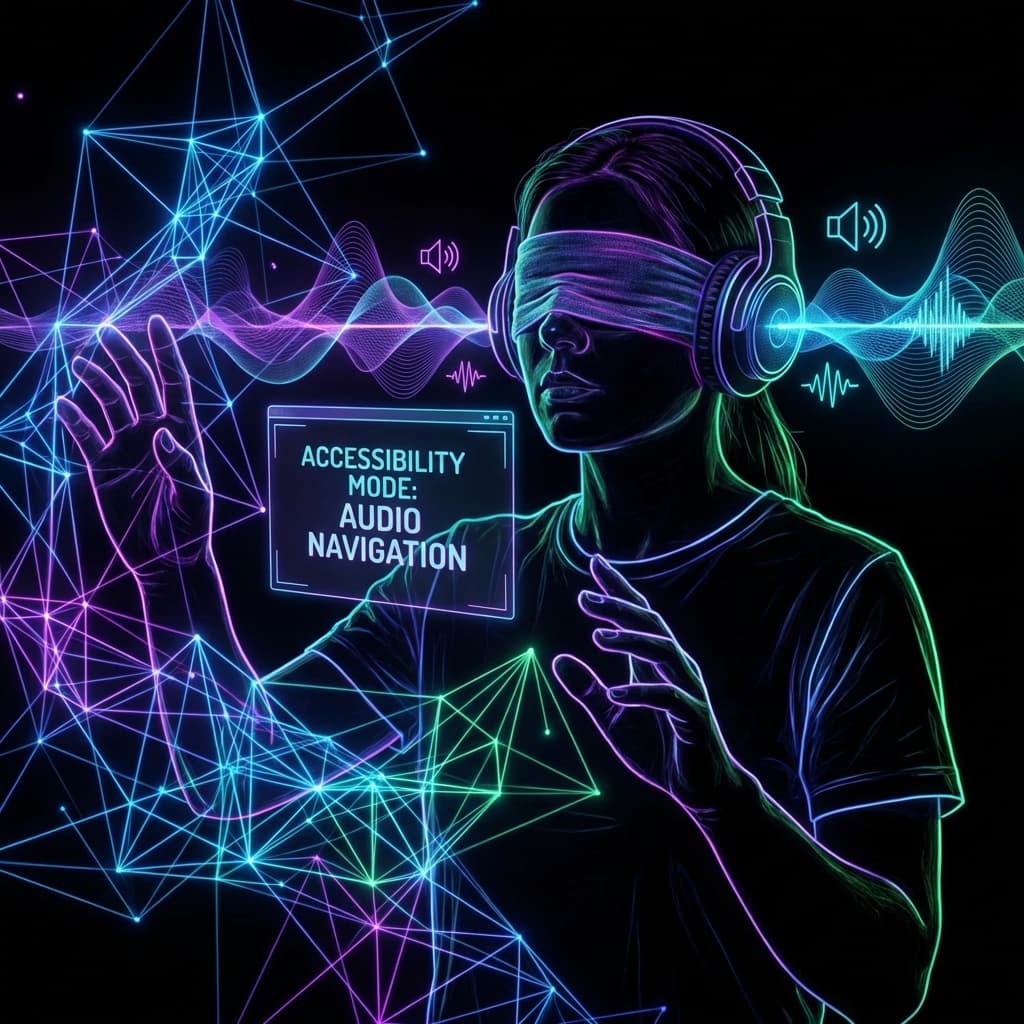
I Browsed the Web Blindfolded for a Week: Here's What Broke
We talk about 'empathy' in design. But until you try to buy concert tickets using only a keyboard and NVDA, you don't know the meaning of frustration. An experiment in digital exclusion.
The Experiment
I consider myself an "accessibility-aware" developer. I use semantic HTML. I add `alt` tags. I run Lighthouse audits. I thought I was doing a good job.
Then, I accepted a challenge: for five working days, I would use the web exclusively with a screen reader. No mouse. Turn off the monitor. Just me, a keyboard, and the VoiceOver (Mac) and NVDA (Windows) synthesisers.
I lasted three days before I cheated.
The experience didn't just humble me; it enraged me. It revealed that the "accessible" web we pat ourselves on the back for building is largely a broken, hostile wasteland for the 2.2 billion people with vision impairments.
Day 1: The Noise
The first thing you notice is the noise. Visually, we scan. We ignore ads, footers, and sidebars to focus on the content.
A screen reader doesn't scan. It linearizes. It reads the DOM from top to bottom, forcing you to listen to everything you usually ignore.
"Link. Link. Link. Graphic logo. List 5 items. Search. Banner landmark. Navigation landmark. List 12 items..."
I spent 45 minutes trying to read a single recipe calling for "chicken thighs." I had to listen to twenty minutes of the author's childhood memories, three advertisement interruptions, and a "Subscribe to Newsletter" modal that trapped my keyboard focus in a loop.
The Lesson: "Skip to Content" links aren't a nice-to-have; they are a sanity requirement. If your site forces a blind user to tab through 50 navigation links on every page load, you are actively punishing them for visiting.
I encountered sites where the content was loaded via lazy-loading JavaScript that didn't announce updates to the screen reader. I would click "Load More," hear silence, and sit there wondering if the internet had disconnected, only to realize new content had appeared continuously below my current focus point.
Day 2: The Button That Wasn't
I tried to order pizza. A simple task. I navigated to "Checkout."
"Clickable," the voice said. "Clickable. Clickable."
Everything was customizable. `
`. To a mouse user, it looks like a button. To a screen reader, it is just a generic `div`. It has no role. It cannot be triggered with the Enter key. I was pressing Enter furiously on what I knew was the "Place Order" button, and nothing was happening.
I learned about semantic affordance the hard way. A `