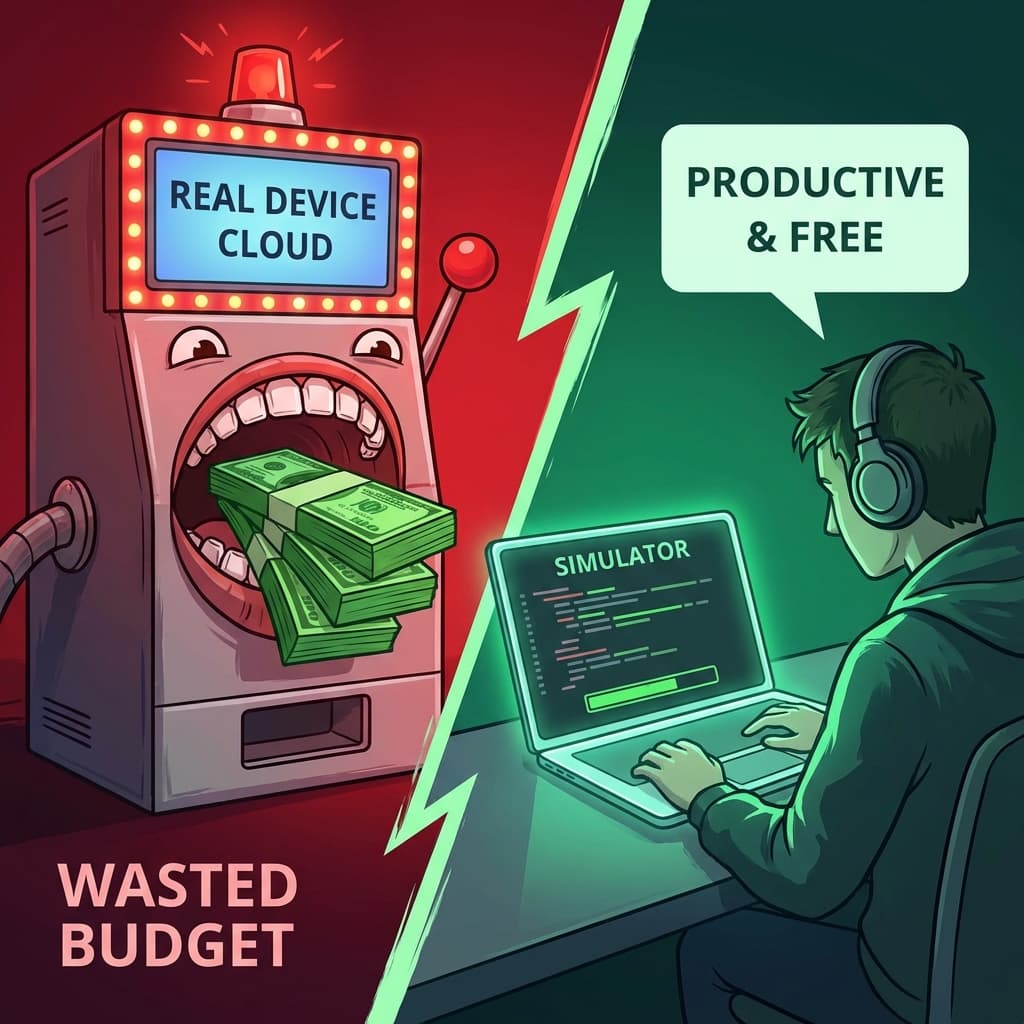
Every Mobile QA Manager has a slide in their pitch deck that says: "We need to test on Real Devices to catch device-specific fragmentation."
It's the industry dogma. "You can't trust Simulators! They aren't the real hardware! What about memory leaks? What about battery drain?"
So, we pay. We pay BrowserStack, SauceLabs, or AWS Device Farm thousands of dollars a month. We suffer through 15-second latency. We deal with "Device Busy" errors.
Last year, I looked at our bill. $144,000.
Then, I looked at our bug tracker. I analyzed the last 500 bugs we found using automation.
The Shocking Result: Only 3 of them were "Real Device Specific."
The other 497 were logic bugs, UI overlap bugs, or API failures—all of which were reproducible on a local Simulator.
We were paying $144,000 to catch 3 bugs. That is $48,000 per bug. It was a scam.
Section 1: The "Hardware Fallacy"
Vendors want you to believe that Android fragmentation is still a crisis. They show you charts of 20,000 different Android models.
The Reality in 2026:
- WebView Consistency: Modern Android apps often run on standardized WebViews or Flutter engines that abstract away the hardware.
- OS Dominance: Samsung and Pixel account for the vast majority of relevant test cases in the enterprise.
- Better Simulators: The iOS Simulator in XCode is not an "Emulator." It is a compiled software stack running on x86/ARM. It is bit-perfect for logic testing.
Unless you are writing a Camera App, a heavy 3D Game, or a Bluetooth utility, the CPU/GPU variance does not matter for functional testing.
Section 2: Speed Kills (The Local Advantage)
Let's talk about the developer feedback loop.
Real Device Cloud:
- Upload Build (2 mins).
- allocate Device (1 min).
- Install App (30s).
- Run Test (Latency of network commands: 200ms per hop).
Total time for a 1-minute test: 5 minutes.
Local Simulator:
- Build & Deploy (10s).
- Run Test (Latency: 0ms).
Total time: 20 seconds.
When you move to certain cloud providers, you are introducing network lag into every single Appium command. find_element goes from 5ms to 500ms. This causes flakiness. The "Real Device" environment is actually less reliable than the "Fake" Simulator environment because of the network hop.
Section 3: The "Hybrid" Strategy That Saved Us $100k
We didn't go to zero devices. We moved to a 99/1 Strategy.
99% of Testing (Regression, PR Checks): Runs on High-Performance Local Simulators (or Dockerized Android Emulators). Ideally in a Kubernetes cluster we control.
1% of Testing (Smoke on Release): Runs on Real Devices.
But here is the kicker: We didn't use a Cloud for the 1%. We bought 10 cheap phones from eBay.
- 1 iPhone 15
- 1 iPhone 13 Mini
- 1 Samsung S24
- 1 Pixel 8
- ...etc.
Total hardware cost: $3,000 (One time).
We plugged them into a Mac Mini in the office. We maintain our own "Mini Farm." It is faster, cheaper, and we have physical access to debug USB issues.
Section 4: What About "Network Conditions"?
"But wait!" the vendors say. "We offer Network Throttling! We simulate 3G!"
You can do this locally. You can do this on a Simulator. Tools like Toxiproxy or even the Network Link Conditioner on MacOS can simulate 3G networks perfectly fine at the kernel level.
You do not need a physical dusty phone in a warehouse in Arizona to simulate a bad network.
Section 5: The "Found Bug" Analysis
Let's look at the 3 bugs we missed.
- The Notch Bug: On a specific Samsung phone, the camera hole covered a button. (Fixed by using Safe Area Layouts, reproducible on emulator skins).
- The Bluetooth Permission Bug: Android 14 changed a permission dialog timing. (Valid catch).
- Thermal Throttling: App crashed after 1 hour of video recording. (Valid catch).
So, 2 valid bugs in a year. Is that worth $144,000?
No. We could have hired a full-time QA engineer to sit there and manually hold the phone for that price.
Conclusion
Real Device Clouds are a tax on fear. We fear the "Fragmentation Boogeyman," so we pay the insurance premium.
Stop being afraid. Trust the Simulator. Invest in your architecture, not in rental hardware.
If your test fails on a Simulator, it's a bug. If it passes on a Simulator but fails on a Real Device, it's an edge case. Optimize for the 99%.
Written by XQA Team
Our team of experts delivers insights on technology, business, and design. We are dedicated to helping you build better products and scale your business.