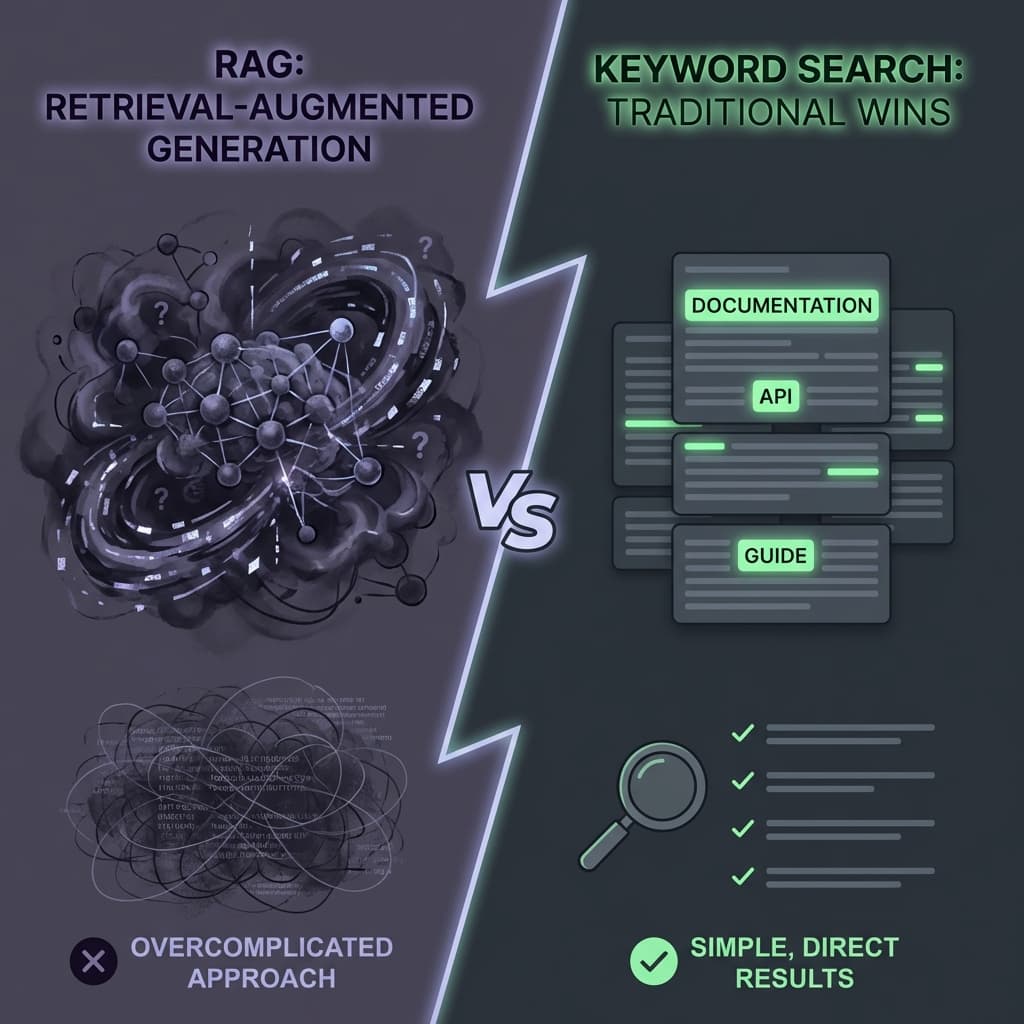
Retrieval Augmented Generation (RAG) was supposed to revolutionize documentation search. Instead of keyword matching, users could ask natural language questions and get precise answers. "How do I configure authentication?" would return a synthesized response drawn from multiple doc pages. The future had arrived!
We were true believers. We invested three months building a sophisticated RAG pipeline for our developer documentation. We used OpenAI embeddings, Pinecone for vector storage, and GPT-4 for response synthesis. We chunked our 500-page documentation into semantic units. We added metadata filtering for version-specific docs. We created a beautiful chat interface.
Launch day arrived. We announced it with fanfare. "Ask our docs anything in natural language!"
Within two weeks, we had a problem. Our support tickets had increased, not decreased. Developers were frustrated. The feedback was brutal:
"I pasted an error message and got a philosophical essay about error handling. I just wanted to find which doc page mentions this error."
"The AI gave me a confident answer that was completely wrong. I wasted an hour following its advice."
"I know the function name. I just want to jump to its reference page. Why do I have to 'chat' with an AI to do that?"
We ran a user study. We asked developers: "For documentation search, do you prefer natural language AI responses or traditional keyword search with exact matches?"
78% preferred keyword search.
We were stunned. We had built something users didn't want. Three months of engineering, and they wanted the "old" thing back.
We reverted to Algolia—plain keyword search with fuzzy matching and typo tolerance. User satisfaction scores doubled within a month. Support tickets dropped 40%.
Here's what we learned about why RAG fails for technical documentation—and when keyword search is actually superior.
Section 1: The Error Message Problem—Users Want Exact Matches
The most common use case for documentation search is debugging. A developer encounters an error, copies the error message, and pastes it into search. They want to find the doc page that mentions this exact error.
What RAG Does With Error Messages
Developer pastes: ECONNREFUSED 127.0.0.1:5432
RAG processes this through embeddings. The embedding captures the semantic meaning: "connection refused to a database port." The vector search finds chunks about database connections, network configuration, and connection pooling.
The synthesized response: "It appears you're having a database connection issue. This commonly occurs when PostgreSQL is not running, when the host is incorrect, or when firewall rules block the port. Here are some steps to troubleshoot database connectivity..."
This is technically correct. It's also useless.
The developer doesn't need a primer on database connectivity. They need to know: "Does our documentation mention this specific error? If so, where? What does our product specifically do that causes this?"
What Keyword Search Does
The same search in Algolia: exact match for "ECONNREFUSED" returns two results:
- "Troubleshooting: Common Connection Errors" (mentions ECONNREFUSED in context of our CLI tool)
- "Configuration Guide: Database Setup" (mentions the error in the 'Common Issues' section)
The developer clicks the first result, finds the exact line mentioning their error, and reads: "If you see ECONNREFUSED when running xqa init, ensure the database container is running with docker compose up -d database."
Problem solved in 30 seconds. No AI philosophizing. No synthesized responses. Just: here's the page, here's the line, here's the fix.
The Precision vs. Recall Tradeoff
RAG optimizes for recall—finding information that's semantically related to your query, even if the exact words don't match. This is valuable when you don't know the right terminology.
But developers searching documentation usually DO know the right terminology. They have an error code, a function name, a configuration key. They want precision—find exactly what I typed, not what you think I meant.
Keyword search with exact matching gives that precision. RAG's semantic fuzziness actively hurts.
Section 2: The Hallucination Tax—When Confidence Breeds Confusion
RAG systems synthesize answers. They combine retrieved chunks into a coherent response. This synthesis step is where hallucinations creep in.
The Version Mismatch Hallucination
Our documentation covers multiple product versions. A function that exists in v2.0 might not exist in v1.5. A configuration option might have different syntax across versions.
A developer on v1.5 asks: "How do I configure retry behavior?"
RAG retrieves chunks from across versions (because the semantic meaning is similar). The synthesis combines them. The response confidently states: "Use the retryConfig option in your configuration file..."
But retryConfig was introduced in v2.0. The v1.5 developer follows this advice, gets a configuration error, and wastes an hour debugging something that was never going to work.
We tried adding version metadata to chunks. It helped, but synthesis still occasionally mixed versions when the retrieval wasn't perfect. The AI couldn't reliably distinguish between "similar concepts across versions" and "the same concept in one version."
The Confident Wrong Answer
The worst failure mode: RAG returns a confident, well-formatted answer that's simply incorrect.
A developer asks: "Can I use XQA with MongoDB?"
RAG retrieves chunks mentioning database support. Several chunks discuss our PostgreSQL integration. One chunk from a blog post (accidentally included in the corpus) mentions MongoDB in passing.
The synthesized answer: "Yes, XQA supports MongoDB. To configure MongoDB, set the database type to 'mongodb' in your configuration..."
We don't support MongoDB. The configuration option doesn't exist. But the answer sounds authoritative. The developer spends hours trying to make it work before realizing they were misled.
With keyword search, this doesn't happen. The developer searches "MongoDB" and gets zero results. The absence of results is informative—it tells them the topic isn't covered. They know to look elsewhere or contact support.
The Documentation Trust Problem
Documentation must be trustworthy. Developers need to believe that what the docs say is accurate. RAG synthesis undermines this trust because you can't verify the response against source documents.
Keyword search returns actual document pages. The developer can read the surrounding context, check the page's last-updated date, verify which version it applies to. The source of truth is visible.
RAG gives you a synthesized answer with citations that are often approximate. Even when the citations are accurate, the synthesis may have subtly changed the meaning. You have to check every citation to verify—which defeats the purpose of the AI summary.
Section 3: The Navigation Problem—Documentation Is Not Q&A
RAG treats documentation as a question-answering system. But documentation is actually a navigation system. Developers don't just want answers—they want to orient themselves in a knowledge space.
The "Show Me Where" Use Case
Developers often search not to get an answer, but to find a location. "Where is the API reference?" "Where is the section on authentication?" "Where do I find the configuration options?"
They want a link, not an explanation. They'll read the full page themselves—they just need to find it.
RAG is terrible at this. You ask "where is the API reference?" and RAG responds: "The XQA API provides endpoints for managing test runs, configurations, and results. Here's an overview of the main endpoints..."
You didn't want an overview. You wanted a link to the API reference page so you could read it yourself.
The Context Building Use Case
Developers often need to understand not just a specific fact, but how that fact fits into a larger architecture. They want to read surrounding sections, see the table of contents, understand the structure of the documentation.
Keyword search returns pages. Pages have structure—headers, sections, navigation. You can skim, jump around, build mental models.
RAG returns synthesized snippets. The structure is lost. The context is compressed. You get an answer without understanding where it came from or what surrounds it.
The Reference Lookup Use Case
The most frequent documentation search pattern is reference lookup: "What are the parameters for function X?" "What's the default value for config option Y?"
These queries have exact answers on specific pages. The ideal response is just: here's the page, scroll to this section.
RAG over-engineers this. It retrieves, synthesizes, and generates a response when a simple link would suffice. The synthesis adds latency, opportunity for error, and cognitive overhead.
Section 4: When RAG Does Work—And When to Use It
We're not anti-RAG. It has legitimate use cases. But those use cases are narrower than the hype suggests.
Good Use Cases for RAG
1. Conceptual "How does it work?" questions: When users genuinely don't know the terminology and need exploration, RAG's semantic understanding helps. "How does XQA handle test parallelization?" is better served by RAG than keyword search.
2. Very large, unstructured corpora: If you have 10,000 pages of unstructured content with no clear organization, RAG can help surface relevant information. But well-organized documentation shouldn't be in this state.
3. Cross-document synthesis: When the answer genuinely requires combining information from multiple sources that users wouldn't think to cross-reference, RAG adds value.
Bad Use Cases for RAG
1. Reference documentation: API references, configuration guides, parameter lists. Users know what they're looking for. Give them keyword search.
2. Troubleshooting guides: Users are pasting error messages. They want exact matches, not semantic interpretations.
3. Navigation and orientation: Users want to find pages, not synthesized answers. Give them searchable page titles and headers.
Our Current Approach
We now offer both, with smart defaults:
- Default search: Algolia keyword search with typo tolerance, highlighting, and instant results
- "Ask AI" mode: RAG-powered for conceptual questions, clearly labeled as "AI-generated, may contain errors"
- Users choose based on their intent
90% of searches use keyword mode. The 10% that use AI mode are genuinely exploratory. The hybrid approach serves both use cases without forcing AI on users who don't want it.
Conclusion: Match the Tool to the Task
The tech industry has a pattern: new technology arrives, and we try to apply it everywhere. RAG is powerful, so it must be better than keyword search for everything, right?
Wrong. Different search tasks have different requirements.
- Exact lookup: Keyword search wins. Users know what they want; give it to them.
- Exploratory discovery: RAG can help. Users don't know the terminology; semantic matching bridges the gap.
- Navigation: Keyword search wins. Users want to find a page, not get an answer.
- Debugging: Keyword search wins. Error messages need exact matches.
For technical documentation—which is primarily reference lookup, debugging, and navigation—keyword search is simply better. It's faster, more precise, more trustworthy, and what users actually want.
Don't let AI hype override user research. Ask your users what they want. You might be surprised how often the "old" solution is the right one.
The best search is the one that gets users to the right answer fastest—not the one with the most sophisticated technology under the hood.
Written by XQA Team
Our team of experts delivers insights on technology, business, and design. We are dedicated to helping you build better products and scale your business.