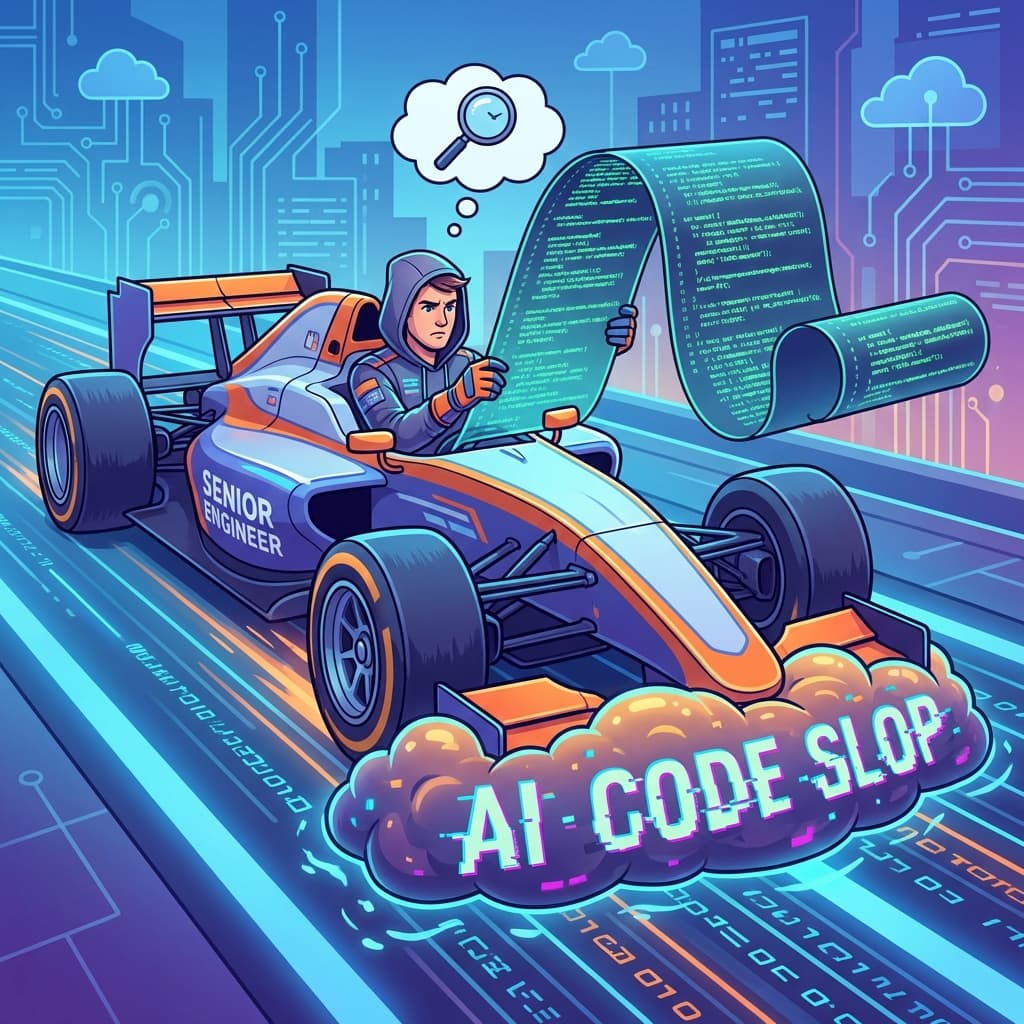
We were in the first wave of GitHub Copilot adopters. When it launched, we jumped at the chance to enroll our entire engineering organization—all 45 developers, from interns to principal engineers. "It's like pair programming with an AI that never gets tired!" the demos promised. "10x productivity!" the testimonials claimed.
For two months, it genuinely felt like magic. Our engineers were shipping code faster than ever before. The metrics we were tracking—lines of code per day, features closed per sprint, PR merge velocity—all went up. Junior developers reported feeling "unblocked" instantly when they hit syntax questions. The internal perception was uniformly positive: "Copilot is the future."
Then our QA manager came to me with a disturbing dataset. She had been tracking metrics we hadn't been watching:
- Bug density (bugs per 1,000 lines of code): Up 60% compared to the same period last year
- Average PR review time: Doubled from 45 minutes to 90 minutes
- Review iteration rounds: Up from 1.5 to 3.2 rounds per PR
- Post-deployment hotfixes: Up 40%
We were shipping more code, faster—and it was worse code that took longer to review and broke more often in production.
I surveyed our Senior Engineers (L4 and above). The responses were brutal:
"I spend half my day cleaning up 'Copilot Slop'—code that looks correct but has subtle logical flaws."
"Reviewing Copilot-generated code is exhausting. I can't trust anything."
"The juniors are shipping 10x more code, but I'm spending 10x more time reviewing it."
Our most experienced engineers were being turned into "AI janitors"—spending their days cleaning up the mess left by the autocomplete instead of doing the architectural and design work we needed from them.
We made a controversial decision: we disabled Copilot for all L4+ engineers while keeping it available for juniors and mid-levels. Within two months, our quality metrics recovered. Code volume dropped 30%, but bug density dropped 50%. Review times normalized. Our seniors reported being happier and more productive.
Here's the full breakdown of why AI coding assistants actively hurt your best engineers.
Section 1: The Illusion of Speed—Typing Faster Is Not Thinking Faster
Copilot optimizes for one thing: reducing keystrokes. It watches you type and predicts what you're going to write next. This is valuable when the bottleneck is typing speed.
But for senior engineers, typing speed has never been the bottleneck.
The Boilerplate Trap
Copilot excels at generating boilerplate code. Need a React functional component with props interface and default exports? Tab, accept, done. Need a Python dataclass with validators? Tab, accept, done. Need a CRUD API endpoint? Tab, accept, done.
This feels productive. "Look how fast I scaffolded that!"
But here's the problem: if you're writing so much boilerplate that Copilot saves you hours per day, your architecture is wrong. Boilerplate is a code smell. It means you haven't abstracted properly. It means you're repeating yourself. It means the codebase is growing linearly with features instead of logarithmically.
Copilot makes boilerplate "cheap" to write. This disincentivizes the harder work of abstraction. Why spend 2 hours designing a generic component framework when Copilot lets you bang out 50 specific components in the same time?
We saw exactly this pattern. Our codebase grew 40% in 6 months. Much of that growth was copy-paste-modify patterns that should have been abstractions. The code worked, but it was a maintenance nightmare—50 slightly different implementations of the same pattern, each with its own bugs.
Verbose Coding Styles Take Over
Copilot's training data is the entire public GitHub corpus. Most code on GitHub is not written by senior engineers. It's written by students, bootcamp grads, and developers who prioritize "it works" over "it's elegant."
When you ask Copilot to implement something, it tends toward the verbose, explicit, "tutorial-style" implementation. We saw this constantly:
What a Senior Engineer would write:
const userNames = users.filter(u => u.active).map(u => u.name);What Copilot suggested (and juniors accepted):
const userNames = [];
for (let i = 0; i < users.length; i++) {
  if (users[i].active === true) {
    userNames.push(users[i].name);
  }
}
Both are correct. But the second version is 5x more code, harder to read, easier to typo, and obscures intent. Multiply this across an entire codebase, and you get a bloated, sprawling mess that's hard to navigate and maintain.
Worse, juniors learned that the verbose style was "correct." They stopped learning the idiomatic patterns that make code readable to experienced engineers.
Section 2: The "Looks Right" Problem—AI Errors Are Invisible
When you copy code from StackOverflow, you know you're copying. There's a moment of explicit retrieval. You evaluate the code. You adapt it. You're in "skeptical mode."
Copilot is different. It fills in the autocomplete while you think. It flows seamlessly into your typing. It feels like your own code. This seamlessness is its greatest feature—and its greatest danger.
The Cognitive Load Shift
Writing code requires "generative mode" thinking—you're creating, designing, building from scratch. Your brain is in production mode.
Reading and evaluating code requires "analytical mode" thinking—you're verifying, critiquing, testing against edge cases. Your brain is in verification mode.
With Copilot, you're constantly switching between modes. You start typing (generative), Copilot suggests something (now you need to switch to analytical to check it), you accept (back to generative), Copilot suggests again (switch to analytical again).
For a Junior developer, this is actually helpful. They don't have strong "generative mode" yet—they don't know the right patterns—so having Copilot do the generation while they do the verification is a net positive.
For a Senior developer who holds the entire system architecture in their head, this constant context switching is devastating. Every time you switch modes, you lose the "flow state." You lose the mental model of the whole system. You drop from deep work to shallow work.
Our seniors reported feeling more tired after a day of Copilot coding despite writing "less" code manually. The cognitive drain of continuous verification was exhausting.
Trust Decay
The "looks right" problem compounds over time. After accepting 50 Copilot suggestions that work, you develop trust. You stop scrutinizing as carefully. "It's usually right."
Then suggestion #51 has a subtle bug. An off-by-one error. A race condition. A security vulnerability. Because you trusted it, you missed it.
We found these bugs in production. Subtle type coercion issues. Incorrect null checks that worked in tests but not with real data. Date handling that was off by one timezone. Each bug could be traced back to a Copilot suggestion that "looked right."
Section 3: The Code Review Nightmare—AI Errors Don't Follow Patterns
The real cost of Copilot appeared in our code review process. This is where our seniors' time was being stolen.
PRs Exploded in Size
When code is "cheap" to write, people write more of it. Our average PR size grew from 120 lines to 350 lines. Large PRs are harder to review carefully. Cognitive load increases. Attention flags. Subtle bugs slip through.
"I just let Copilot write the tests," a junior would say. The PR included 400 lines of tests. They looked thorough!
Except test #4 asserted a condition that was impossible in our data model. Test #12 mocked a function that had been refactored away three months ago. Test #27 was testing implementation details instead of behavior. The test suite "passed," but it was testing the wrong things.
AI Errors Are Random—Human Errors Follow Patterns
Experienced code reviewers develop pattern recognition. You learn the common mistakes junior developers make: forgetting null checks, using == instead of ===, not handling the empty array case. You can scan for these quickly.
AI errors are different. They're random. An AI might get a complex algorithm perfectly right and then introduce a bizarre typo in a variable name that JavaScript silently treats as a new global variable. There's no pattern to anticipate.
Reviewing AI-generated code requires careful line-by-line analysis for every line. You can't "scan for known issues." Every line is potentially wrong in a new and creative way.
Our seniors reported that reviewing a 200-line Copilot-generated PR took 3x longer than reviewing a 200-line human-written PR. The mental model of "what mistakes might be here" didn't apply.
Section 4: The Targeted Ban—Different Rules for Different Skill Levels
We considered banning Copilot entirely, but that seemed heavy-handed. The tool has legitimate value—for the right users, in the right context.
The Policy: Juniors Keep It, Seniors Lose It
L1-L3 (Junior/Mid Engineers): Copilot remains available. It genuinely helps them unblock on syntax questions and boilerplate. But we added mandatory training: "You are responsible for every line. 'Copilot wrote it' is not an excuse. If you cannot explain why this code works, do not commit it."
L4+ (Senior Engineers and above): Copilot is disabled at the organization level for these accounts. If they want to use it, they have to make an explicit case to enablement. Almost none requested an exception.
The reasoning: we pay Senior Engineers for judgment and design thinking. We want them operating in deep-work mode, holding the system architecture in their heads, thinking 5 steps ahead. We don't want them in a continuous autocomplete-verify loop.
The Results
Within 8 weeks of the "Seniors Off" policy:
- Lines of code per sprint dropped 30%
- Bug density dropped 50% (more improvement than the code reduction)
- Review time per PR normalized to pre-Copilot levels
- Senior Engineers reported increased job satisfaction
- System stability improved—fewer production incidents
The most telling metric: value per line of code (business features delivered divided by code added) nearly doubled. We were shipping less code that did more.
This makes intuitive sense. The job of a senior engineer isn't to produce lines of code—it's to produce correct, maintainable solutions to business problems. Often the best solution involves writing less code, not more.
Conclusion: Code Is a Liability, Not an Asset
AI coding assistants are productivity tools. Like a power drill, or a 3D printer, or a bulldozer. Each tool is valuable in the right context.
A power drill helps you build a house faster—if you know where to drill. If you give a power drill to someone who doesn't understand architecture, they'll just drill holes in the pipes faster. More holes is not better.
Copilot helps you produce code faster—if you know what code to produce. If you give Copilot to someone whose entire job is to think carefully about what code should exist, you're disrupting that thinking process.
For Senior Engineers, the bottleneck isn't typing speed. It's clarity of thought. It's understanding the problem deeply. It's designing the right abstraction. Copilot was actively harming our seniors' ability to do this work.
We've since heard from other companies that implemented similar policies. The pattern is consistent: Copilot helps juniors, hurts seniors. Match the tool to the job.
Code is a liability, not an asset. Every line you write is a line you must maintain, debug, and eventually delete. The goal is to write as little code as possible while delivering maximum value.
AI tools that increase code volume without increasing value are actively harmful. Use them in contexts where the bottleneck is truly typing speed—and keep them far away from your architects.
Written by XQA Team
Our team of experts delivers insights on technology, business, and design. We are dedicated to helping you build better products and scale your business.