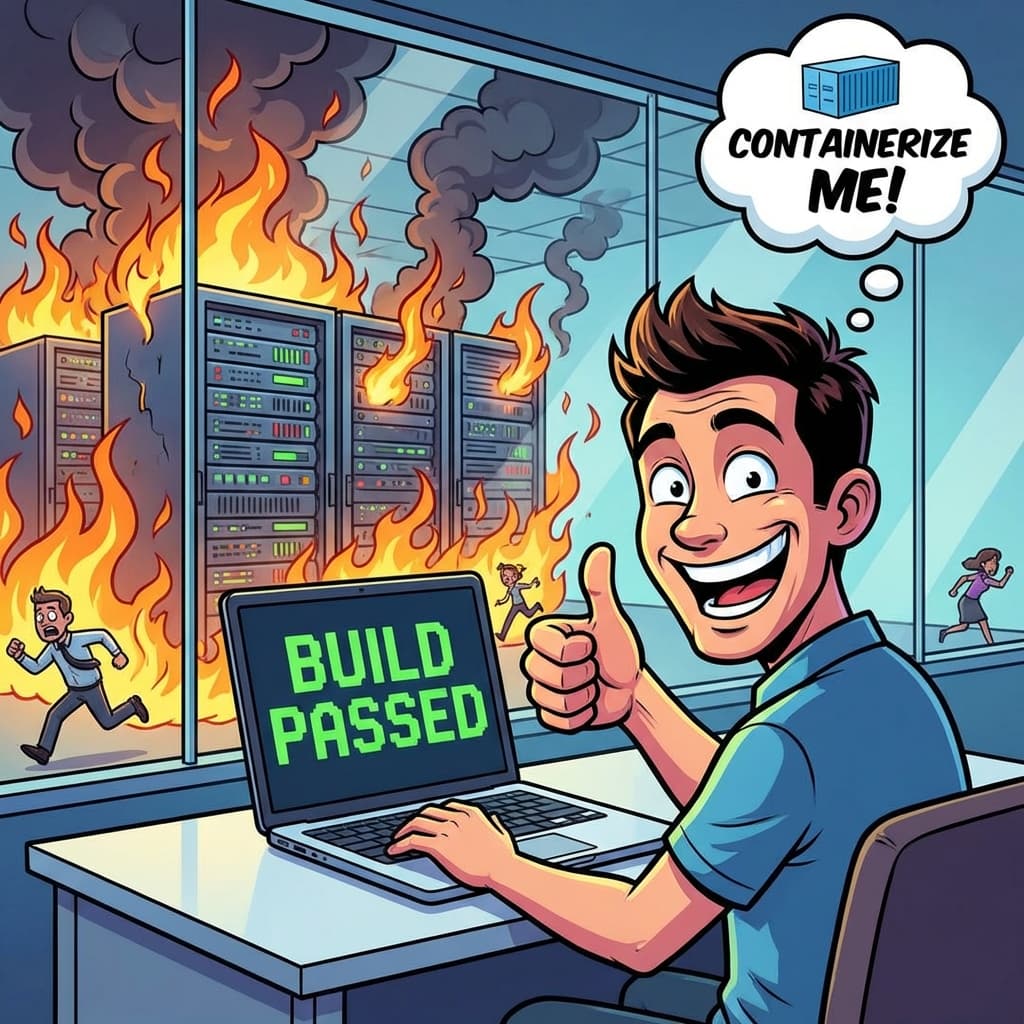
The Universal Lie
There is a phrase that strikes terror into the heart of every DevOps engineer. A phrase that has delayed more launches than bugs. A phrase that ends utility friendships.
"But... it works on my machine!"
Of course it works on your machine, Kevin. Your machine has a specific version of Node.js installed globally. It has that weird environment variable you set three years ago and forgot about. It has write permissions to a folder that doesn't exist on the Linux server. Your machine is a snowflake. Production is a blizzard.
We treat our laptops like pets. We name them. We customize them. We install dependencies manually. But we treat our servers like cattle. And when you try to deploy code from a customized pet to a standardized cow, things break.
The Cost of Drift
Environment drift is the silent killer of velocity.
I once spent three days debugging a PDF generation library. It worked on my Mac (local). It worked on the Staging server (Ubuntu 20.04). It crashed on Production (Alpine Linux).
The culprit? A missing system font. Alpine Linux is a stripped-down OS. It didn't have "Arial." The library tried to render text, panicked, and segfaulted. Three days of my life gone because my local environment lied to me about what the server looked like.
This is wasted time. It is friction. And it kills the "Developer Experience" (DX).
Enter Docker (The Truth Serum)
The solution isn't "be more careful." The solution is Containerization.
Docker allow us to define the "computer" as code. The `Dockerfile` is the source of truth. It explicitly lists every dependency, every OS package, every environment variable.
"If it builds in the container, it runs within the container."
This shifts the conversation. We no longer debug "machines"; we debug the "image." If Kevin's code runs in the Docker container on his laptop, I have 99% confidence it will run in the Docker container on AWS ECS.
It democratizes the environment. A junior dev on their first day runs the same binary as the Senior Architect.
DevContainers: The Next Level
In 2026, we've taken this a step further with VS Code DevContainers.
Instead of installing Node, Python, and Postgres on your physical laptop, you install... nothing. You open the project in VS Code, and it spins up a Docker container that contains your entire development environment.
The Onboarding Miracle:
Old Way: "Welcome to the team! Here is a 40-page Confluence doc on how to set up your laptop. See you in 3 days when you finish installing dependencies."
New Way: "Welcome! Clone the repo. Click 'Reopen in Container'. Done. Start coding."
The `devcontainer.json` file defines extensions (Prettier, ESLint), settings, and runtime arguments. It ensures that every developer on the team is using the exact same tooling. No more "It formatted differently on my screen" arguments.
It's Not Just About Ops
Developers often think Docker is "Ops stuff." It's not. It's a developer productivity tool.
Imagine switching between a legacy project running Node 14 and a greenfield project running Node 22. Without containers, you are juggling `nvm` versions, deleting `node_modules`, and praying. With containers, you just open a new window. The isolation protects you from yourself.
It also allows you to spin up ephemeral infrastructure. Need a Redis instance? Don't brew install it. Just add it to your `docker-compose.yml`.
The "Infrastructure as Code" Mindset
Adopting containers forces you into the "Infrastructure as Code" mindset. You stop clicking buttons in the AWS console. You stop manually running apt-get. You script everything.
This makes your infrastructure reproducible, version-controlled, and testable.
Conclusion
The "Works on My Machine" Certification Program needs to be shut down. In 2026, if you aren't developing in containers, you are working on a ticking time bomb.
Respect your future self. Respect your Ops team. Containerize your environment. Make "It works on my machine" mean "It works everywhere."
Written by XQA Team
Our team of experts delivers insights on technology, business, and design. We are dedicated to helping you build better products and scale your business.